Discover the
Modern
WordPress with WordVell

Stores using AI chatbots in customer support are already seeing conversion lifts of up to 20–30% and support cost reductions close to 30%. (Glassix & ChatbotsMagazine.com)
Yet most WordPress and WooCommerce site owners still rely on slow ticket systems, delayed replies, and overwhelmed support teams.
This results in missed sales and customer loss.
This is exactly where AI chatbots for WordPress change the game.
In this guide, we break down the 8 best AI chatbots for WordPress and WooCommerce that help you automate customer support, boost conversions, answer product questions instantly, recover abandoned visitors, and turn live conversations into sales.
By the end, you’ll know exactly what each chatbot does best, why to choose it, how to set it up with your site, what it costs, and which one fits your use case, whether you want sales assistance, automated order support, or a knowledge-based AI assistant trained on your own website content.
Let’s understand first what the benefits you will get with these AI chatbots…
Although AI chatbots don’t replace support teams, they prevent revenue loss by removing slow replies and friction.
Here are some benefits of AI Chatbots:
Chatbots can reduce support costs by up to 30% (ChatbotsMagazine.com).
They handle repetitive FAQs automatically, so human agents only focus on high-value conversations.
Shoppers don’t follow business hours. They browse your site whenever life allows.
According to IBM, bots keep your store responsive all day and night, capturing conversions you’d normally miss after closing time.
One human support agent can handle one chat at a time.
But a chatbot? Unlimited chats, zero wait time. (Tidio research)
That means fewer abandoned carts and happier visitors who get immediate help.
Fast replies build trust.
Stores using AI in support have reported 20–30% conversion boosts in controlled tests (Glassix).
The moment doubt disappears, the purchase happens.
Bots read browsing behavior and purchase history.
They recommend products, shipping methods, and provide order lookups so that customers can move forward confidently.
There are dozens of chatbots… but only a few truly shine.
Below are the top options that support AI responses and also integrate cleanly with WooCommerce and actually help you convert more customers.
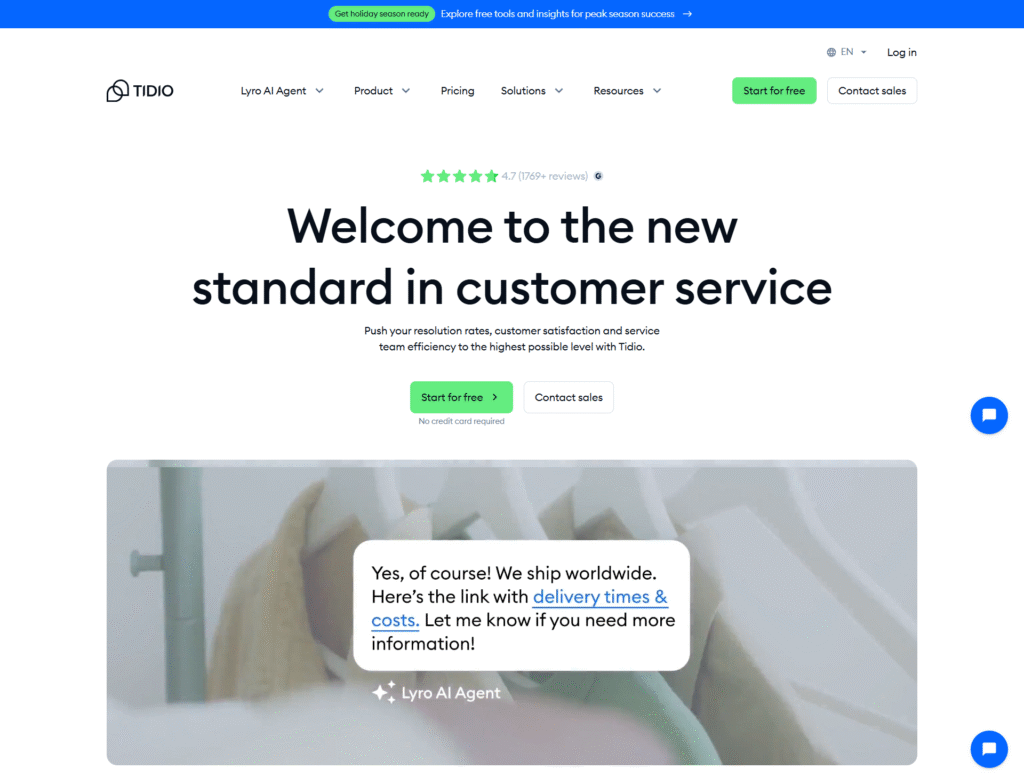
Tidio blends live chat and AI automation in a single tool.
It’s built for WooCommerce stores that want instant answers without technical headaches.
The best part: you can launch a working AI chatbot in less than an hour and watch conversations convert into revenue.
Free plan available.
Paid plans typically start around $24.17/month (Starter) and $49.17/month (Growth) with advanced automation and scaling options.
(Check more details about pricing here at the official vendor website)
Small-to-medium stores that want quick results with professional automation.
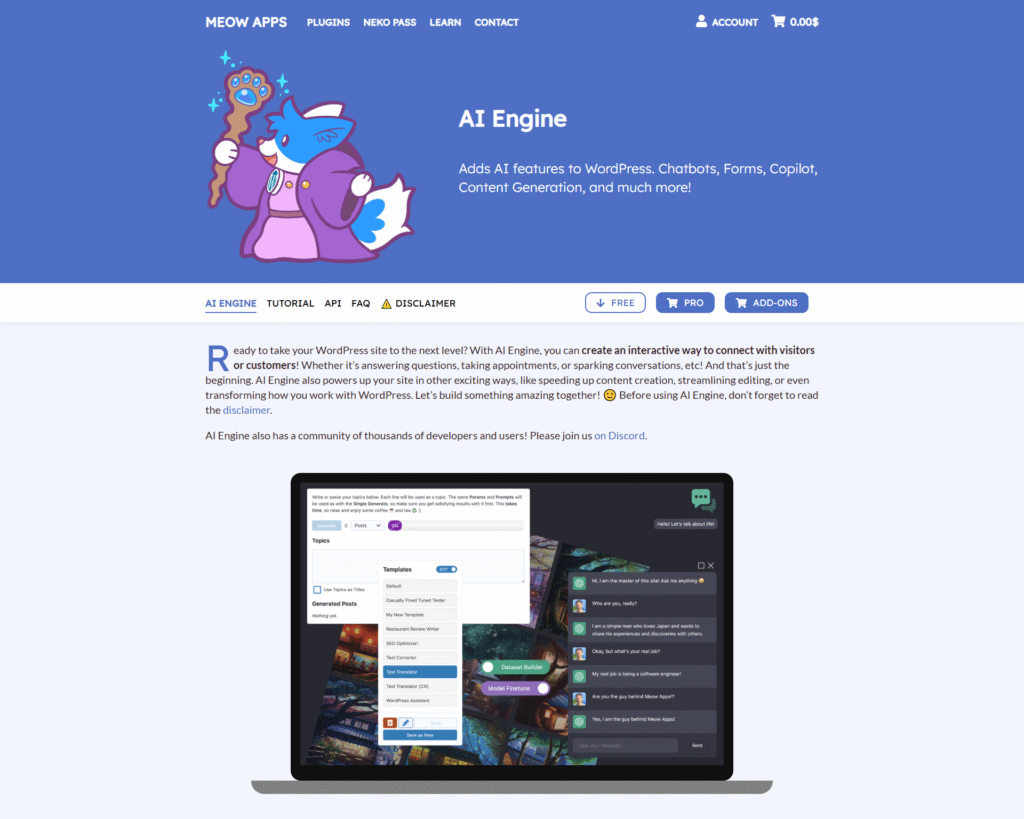
AI Engine is different from most chatbot plugins.
Instead of relying on an external SaaS dashboard, everything happens inside WordPress.
You can control prompts, data, and access.
And you can also choose between the AI models, such as ChatGPT by OpenAI or alternatives.
That makes it a strong fit for stores that care about ownership, privacy, and long-term cost control.
Free version available on WordPress.org.
Premium plans start from $59/year, depending on features and the number of sites.
(Check more details about pricing here at the official AI Engine Pro website)
Stores and developers who want the chatbot to learns directly from your shop’s content and want AI automation without giving up control, because here every setting stays in WordPress.
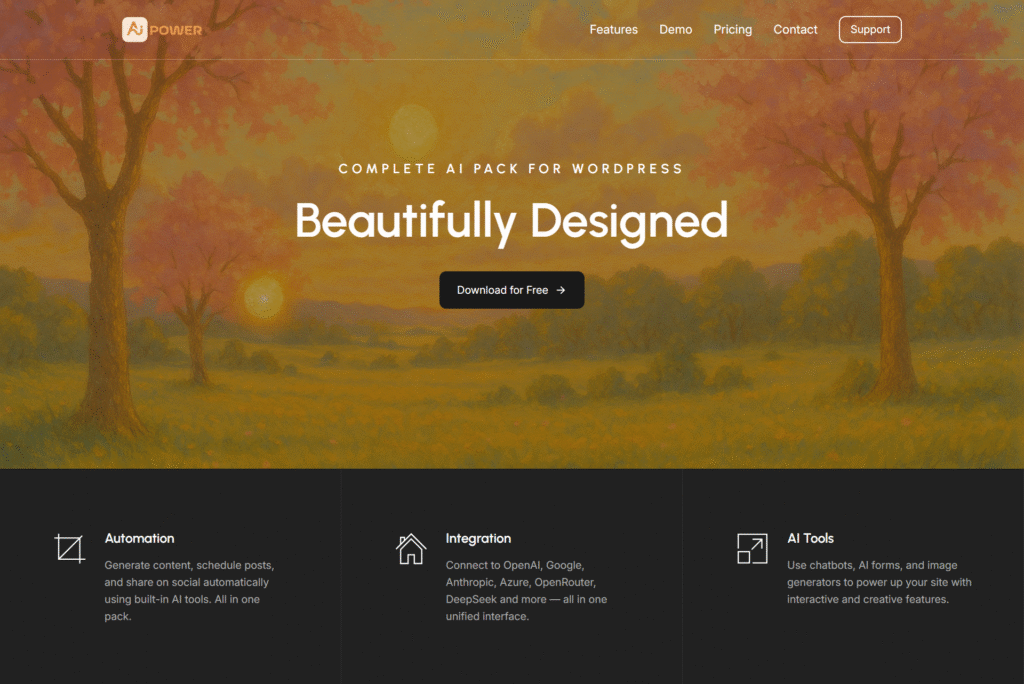
AIP is a powerful all-in-one AI automation suite for WordPress.
It combines AI chatbots, WooCommerce automation, content generation, SEO assistants, and embedding-based knowledge search directly inside your dashboard.
It removes the need for multiple plugins and gives you full AI control in one place.
So, if you want AI handling more than just chat, then AIP delivers that automation.
The free version is available on WordPress.org.
Pro plan starts from $9.99/month, which unlocks various embeddings, advanced WooCommerce tools, and automation triggers.
(Check more details about pricing here at the official AI Power website)
Stores that want one plugin to run AI chat, product intelligence, content updates, and CRM-connected automation without juggling multiple plugins.
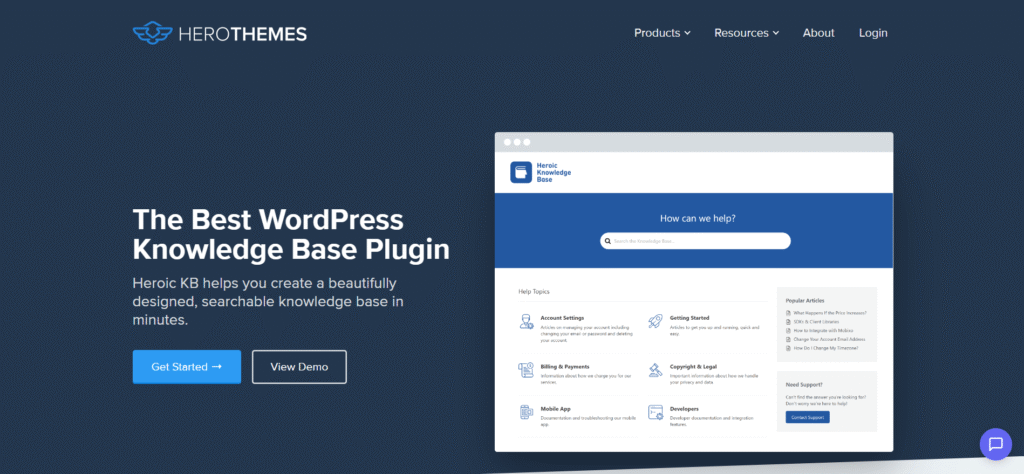
Heroic KB is one of the most polished documentation systems available for WordPress.
Its AI Assistant transforms those help articles into a conversational support experience.
So that the customers get the exact answer they need without searching or waiting for a human.
This works especially well if you already have a strong FAQ or product documentation library and want to reduce repetitive tickets.
Heroic Knowledge Base with AI Assistant is only available in the Pro Plan at a price of $239.60/year.
(Check more details about pricing here on their official website)
WooCommerce stores with a growing support load and solid documentation that want customers to find answers independently, while dramatically reducing support tickets.

WPBot by QuantumCloud has been in the WordPress marketplace for years, evolving into a modular chatbot platform.
You start with a simple native bot, and then layer AI, WooCommerce actions, voice, or multilingual support as needed.
That flexibility means you only pay for features you actually use.
It’s a practical option for stores that want a chatbot fully managed inside WordPress with or without deep AI integration.
Free version on WordPress.org.
Pro Plans start from $39/year, and there are also lifetime licenses available.
(Check more details about pricing here on the official WPBot website)
Store owners who want a native WooCommerce chatbot with the freedom to scale up features slowly by paying only when a new need for a feature appears.

Hyve focuses on one core goal: turning your WordPress website into its own conversational knowledge base.
Instead of building flows or managing heavy SaaS dashboards, Hyve simply reads your existing content, product pages, policy docs, FAQs, and uses it to answer customer questions instantly.
It’s minimal, fast to set up, and friendly for smaller stores that want AI without complexity.
Hyve Lite is free on WordPress.org.
Hyve Pro offers expanded features which you can for $149 lifetime on ThemeIsle.
(Check more details about pricing here at the official vendor website)
Stores that want a simple and affordable AI chatbot driven directly by their existing content with no heavy workflows and no over-engineering.
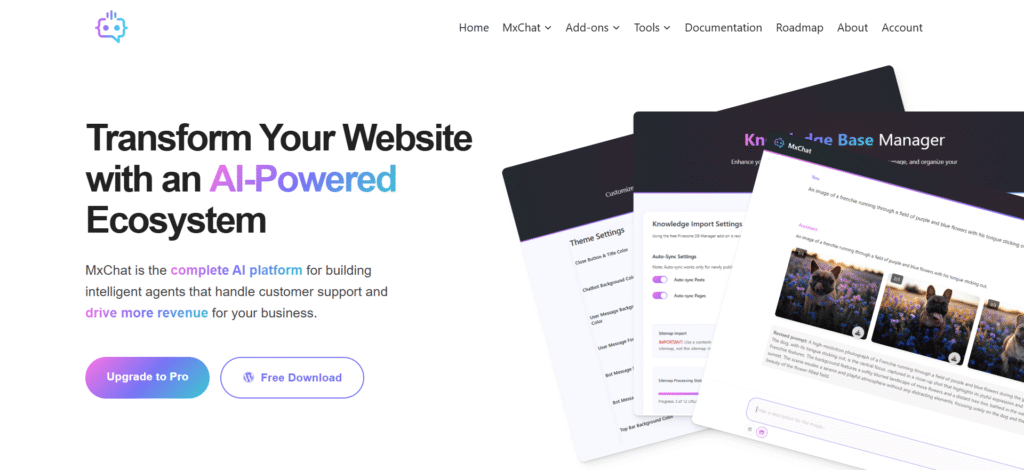
MxChat focuses on delivering an AI chatbot that’s easy to set up, works well with WooCommerce, and doesn’t force you into subscriptions.
The free version is surprisingly capable, and the Pro lifetime option is one of the lowest-cost entry points into GPT-powered support.
If you’re looking for practical AI without enterprise pricing, this plugin is built for that.
Free plugin available on WordPress.org.
Pro is offered as a one-time license at $69.97.
(Check out the pricing directly on the MxChat website.)
Budget-focused stores that want a real AI chatbot with fast deployment and lifetime cost control without sacrificing the essentials.
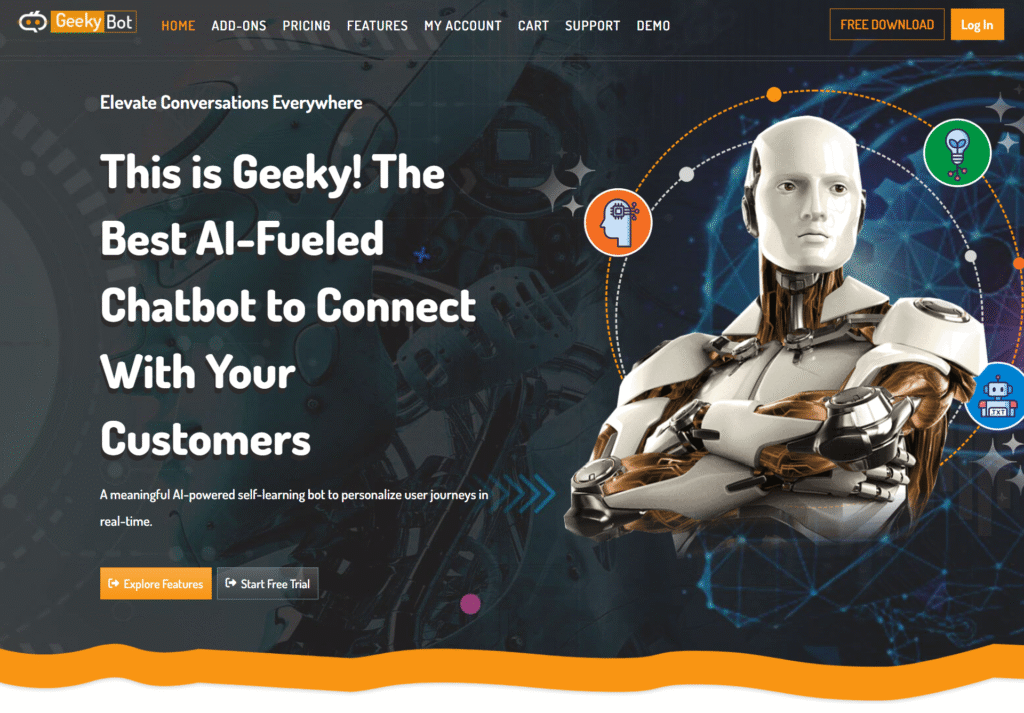
GeekyBot takes a sales-first approach to support automation.
Instead of trying to automate every possible help case, it focuses on the moments that drive revenue: helping customers find products faster and capturing leads before they bounce.
It’s a good fit for stores that want to improve product discovery and build an email list without paying up front.
Free on WordPress.org.
Paid upgrades are available at $49/year with additional features. You can also purchase a lifetime license.
(Check more details about pricing here at the GeekyBot’s official page)
Stores that want a free WooCommerce-first chatbot to increase product visibility, guide purchases, and capture customer emails early in the journey.
AI chat support isn’t “set it and forget it.”
The best results come from a few smart habits that keep your bot accurate and helpful.
Here are some smart tips to consider and mistakes to avoid:
AI chatbots aren’t just a “nice-to-have” anymore.
They directly reduce support workload and recover sales that would otherwise disappear.
The smartest move is to start small: pick one plugin that matches your workflow.
If you want the fastest path to results, Tidio is a strong first choice.
But if you prefer to keep everything inside WordPress with deeper control, AI Engine or AIP will feel like home.
Then build only two flows to begin with, such as one for common product questions and one for cart abandonment.
Let the numbers guide you.
Track how many chats resolve themselves, how many carts the bot recovers, and how many questions no longer go to support.
After two to four weeks, refine the content, tweak triggers, and scale what works. This is how AI becomes a real revenue channel.
And want more guides like this? Subscribe to our weekly newsletter for WordPress automation strategies, tutorials, plugin insights, developer resources, and the latest WordPress news.
No. Most AI chatbot plugins use visual builders, blocks, and plug-and-play settings. You pick a design → paste a shortcode or drop a block → the bot goes live. Developers can extend features using webhooks or custom prompts, but beginners launch without touching code.
Not usually. The smart ones run AI processing on their own cloud servers, so your hosting isn’t overloaded. To stay safe: test performance before and after activation, disable features you don’t use, and load the widget only when needed (e.g., scroll or delay triggers).
You can start with a free tier enough for basic Q&A + product guidance. Costs scale only when you add automation, order lookups, unlimited chats, or premium AI models (GPT-4+). In most cases, one closed sale a month covers the bill.
Yes, but only when you explicitly enable the integration and grant permissions. The bot can then pull order status, track shipping, initiate refunds, and answer “Where’s my order?” automatically. That means fewer tickets and faster replies.
No, they replace repetition, not humans. Bots handle FAQs, product queries, and common issues 24/7. Your support team jumps in for sensitive or complex cases. Result: faster response times, happier customers, and zero burnout.
Many leading plugins support auto language detection. If a visitor types Spanish, the bot replies in Spanish, which is helpful for global stores. For the best UX, enable multilingual content training so answers come from your localized pages.
Yes, that’s where the real magic happens. You can upload help articles, product docs, FAQs, and return policies, and the bot will learn your brand voice and details. That means no more “generic AI answers,” only accurate store-specific responses.