Discover the
Modern
WordPress with WordVell
If you’re not using AI inside WordPress yet, you’re already behind your competitors.
Because, in 2026, most high-performing WordPress sites already use at least one AI-powered plugin to speed up their workflow.
That’s the uncomfortable truth.
This is where our list of modern AI plugins for WordPress makes a measurable difference by allowing you to save time and scale productivity and efficiency in operations by automating repetitive and manual work.
So, in this guide, we reveal the 18 best AI plugins for WordPress that actually help you:
We categorize each tool by real-world use, like SEO, designing, writing, chatbots, forms, workflow automation, and e-commerce, and explain what it actually does, and show when it’s worth using.
At the end, you’ll know multiple plugins that help you build an AI-powered WordPress stack that saves time, boosts performance, and scales your site efficiently.
Let’s unlock them…
A few years ago, building a WordPress site meant manual work at every step.
Editing content, optimizing SEO, managing leads, and designing pages required time, tools, and a team.
Today, AI has flipped that playbook.
AI plugins now automate the heavy tasks, turning static websites into intelligent, self-learning systems.
They personalize experiences for every visitor, boost content performance, and eliminate repetitive tasks.
The impact is clearest in six core areas:
But here’s the catch: not every plugin delivers real value. Random installations slow your site and create chaos.
The right AI plugin, on the other hand, fits seamlessly into your workflow, enhances performance, and scales with your goals.
This is why smart selection, not plugin overload, is the real growth strategy.
SEO in 2026 isn’t just about ranking on Google.
It’s about showing up in every place where search happens, from SERPs to AI overviews.
With AIO and GEO shaping how people discover content, AI-powered SEO plugins have become essential, not optional.
Another aspect is that the companies adopting AI-powered SEO tools reported a 45% increase in organic traffic and 38% higher conversion rates. (Source: Nine Peaks)
Let’s look at the top players in this category…

AIOSEO isn’t just another SEO plugin. It’s a complete AI-driven optimization suite.
Its AI Title and Meta Generator use ChatGPT to suggest perfectly optimized metadata based on your content.
Just click the robot icon in the editor, choose from smart suggestions, and insert with one tap.
Its AI Writing Assistant goes beyond surface-level SEO. By analyzing competitors and identifying content gaps, it guides you toward content that actually ranks.
The built-in Broken Link Checker automatically scans and fixes broken links right inside the WordPress dashboard with no extra tools needed.
AIOSEO is ideal for creators and marketers who want to optimize fast without juggling multiple tools.
Best for: AI-powered metadata, on-page content optimization, and technical SEO.
Pricing: Free version available; Pro starts at $49.60/year.

RankMath is the go-to choice for power users who want more control and depth.
Its real-time SEO scoring system evaluates your content as you write, highlighting optimization opportunities before you hit publish.
The AI Content Assistant gives smart keyword suggestions, readability feedback, and structured guidance to maximize on-page performance.
Its advanced schema builder helps search engines understand your content clearly. You can implement structured data for articles, products, events, or custom types without touching a single line of code.
RankMath also integrates Content AI, an AI-powered keyword and topic research engine that helps you choose the best terms to target based on search intent and competition.
Unlike many plugins, Rank Math gives you granular control from snippet previews to redirect management and automated sitemaps.
It’s built for SEOs who love precision.
Best for: Data-driven SEO with advanced schema and real-time content optimization.
Pricing: Free version plus premium plans start from $7.99/month.
One smart plugin can streamline your entire SEO workflow. Choose the one that aligns with your content goals and let AI do the heavy lifting.
Content is still king. But in 2026, creating that content doesn’t have to take hours.
AI tools now let you go from idea to draft in minutes, even without sacrificing quality.
These plugins don’t just write. They plan, optimize, and speed up your entire publishing workflow.
Here are some you can get in this regard:
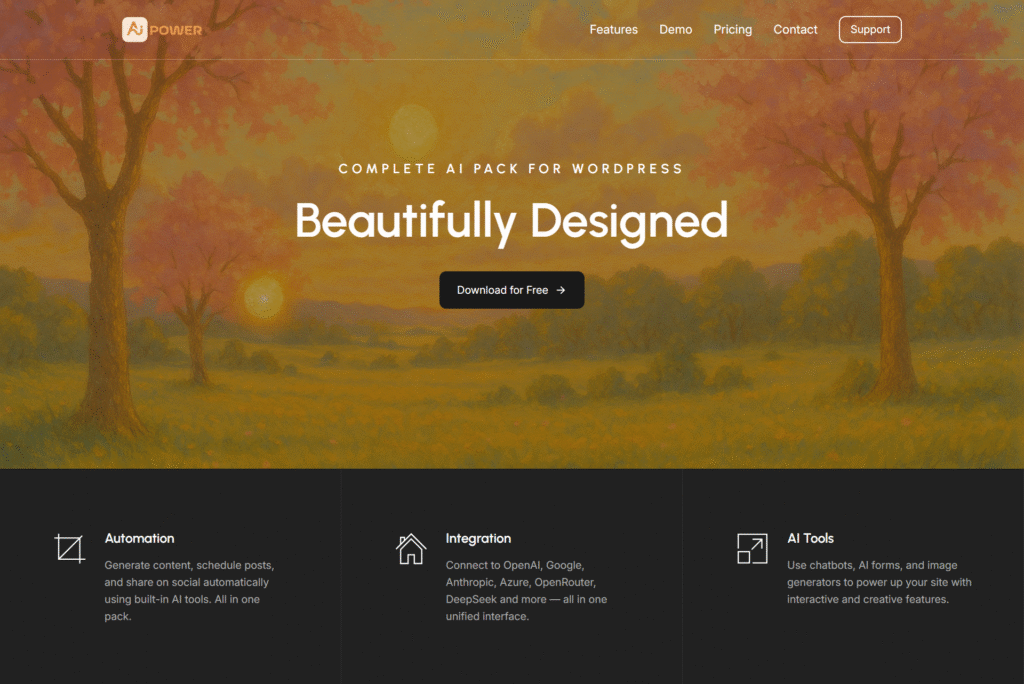
AI Power is an all-in-one content generation powerhouse. It lets you brainstorm, draft, rewrite, and schedule content directly inside WordPress.
You can create blog posts, product descriptions, FAQs, and even landing page copy with a single prompt.
It can connect with your preferred AI engine like OpenAI, Google, Anthropic, Azure, OpenRouter, DeepSeek, and more.
To use it, open the WordPress editor → select “AI Power” panel → type a prompt (e.g., blog title or topic) → hit generate.
The plugin instantly creates your draft, whether it’s a blog post, FAQ, or landing page copy.
It also supports templates, making it easy to maintain a consistent tone and structure.
For content teams, the bulk generation feature is a game-changer because it turns topic lists into polished drafts fast.
Best for: Full content creation workflow inside WordPress.
Pricing: Free version + premium version starting from $9.99/month.
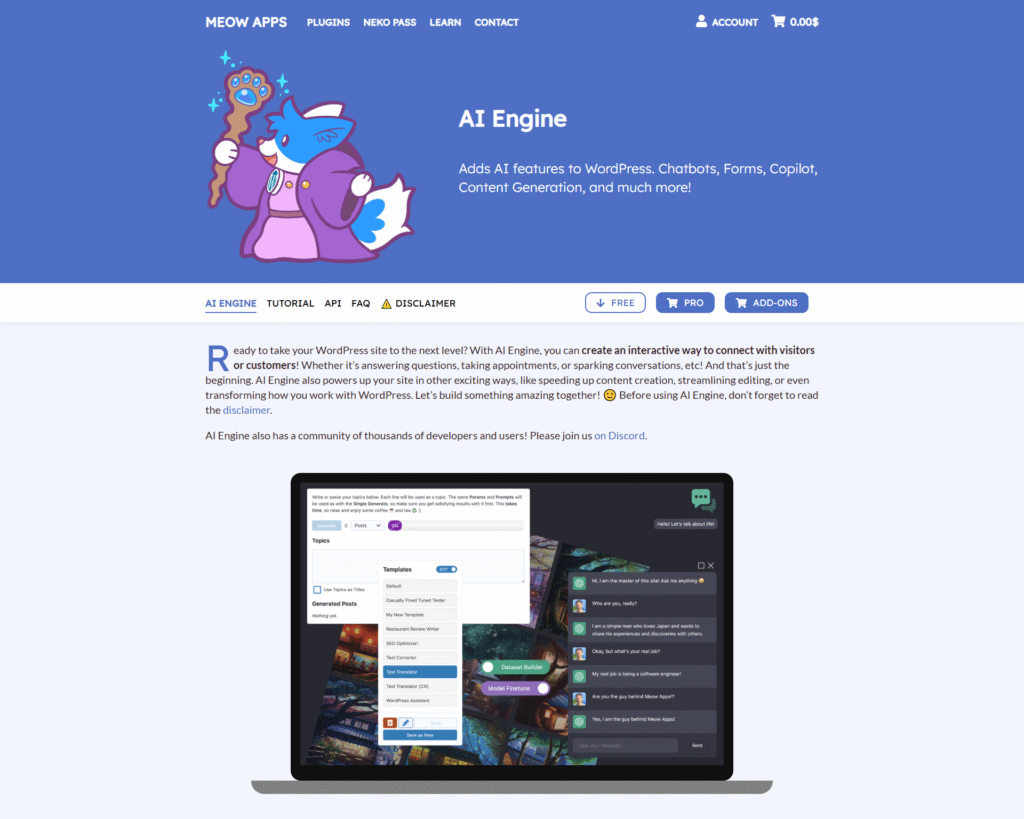
AI Engine stands out for its flexibility. It’s both a chatbot and a content generator, powered by ChatGPT.
You can create custom AI assistants for writing, brainstorming, or editing right in your dashboard.
After installing, head to the plugin settings → create a custom AI assistant → define tone and behavior.
Then, inside your editor, you can chat directly with AI to brainstorm ideas, rewrite sections, or generate complete posts.
It allows you to fine-tune prompts, control tone, and even train the chatbot on your own to generate more personalized results.
Best for: Writers and site owners who want tailored AI assistance.
Pricing: Free core features; advanced options with premium plans, which start from $59/year.
This lightweight tool is perfect for focused tasks. AI Mojo helps generate blog content quickly with minimal setup.
Best for: Fast, no-fuss content generation.
With the right plugin, you can turn blank pages into polished posts in minutes and free up your time to focus on strategy, not just writing.
Designing a website used to be the biggest bottleneck for non-designers.
Now? AI can handle most of it.
AI page builders don’t just speed up design, but they build smart layouts, generate content, and adapt designs to any device… all in real time.
That means you can create beautiful, responsive pages without touching a single line of code.
Let’s look at the top AI-powered page builders that can turn your design process into a smooth ride:

SeedProd is built for speed. Its AI features let you generate entire page layouts and content sections with one click.
You can describe your page in a prompt (“a clean homepage for a digital agency”), and it will auto-generate a layout, headlines, CTAs, and hero sections.
Why people love it:
Perfect for marketers, agencies, and anyone who wants fast, beautiful landing pages.
Pricing: Free version + premium plans with AI tools start from $39.50/year.

Divi AI is like having a designer + copywriter right inside your page builder.
With Single Prompt, you can create layouts with Divi AI.
Additionally, you can highlight a section and ask the AI to generate images, rewrite text, or create headlines that match your design style.
Why people love it:
Perfect for creators who want more control over their design without leaving the editor.
Pricing: Premium plans required for AI features.

Elementor AI brings powerful text, design, and code generation right inside the page builder.
You can write, rewrite, and translate content inline without switching tabs.
It can generate container layouts, create or tweak CSS/HTML snippets, and even produce or edit images directly in the editor.
Why people love it:
Perfect for creators and designers who want to build faster with less manual work.
Pricing: Elementor AI is available at $48/year.

This tool goes beyond plugins.
It builds full websites based on a few questions.
It’s great for users who want to skip the learning curve and launch quickly.
Why people love it:
Perfect for beginners, small businesses, and freelancers who want fast results.
Pricing: Included in Hostinger website plans.
With the right AI page builder, you will not just save hours, but you will be able to launch smarter, faster, and with more creative freedom.
AI chatbots aren’t just trendy add-ons anymore, but they’re conversion boosters.
They welcome visitors, answer FAQs instantly, qualify leads, and keep users engaged around the clock.
For small businesses and growing brands, that means fewer missed opportunities and faster support.
Here are some plugins you can use in this category:
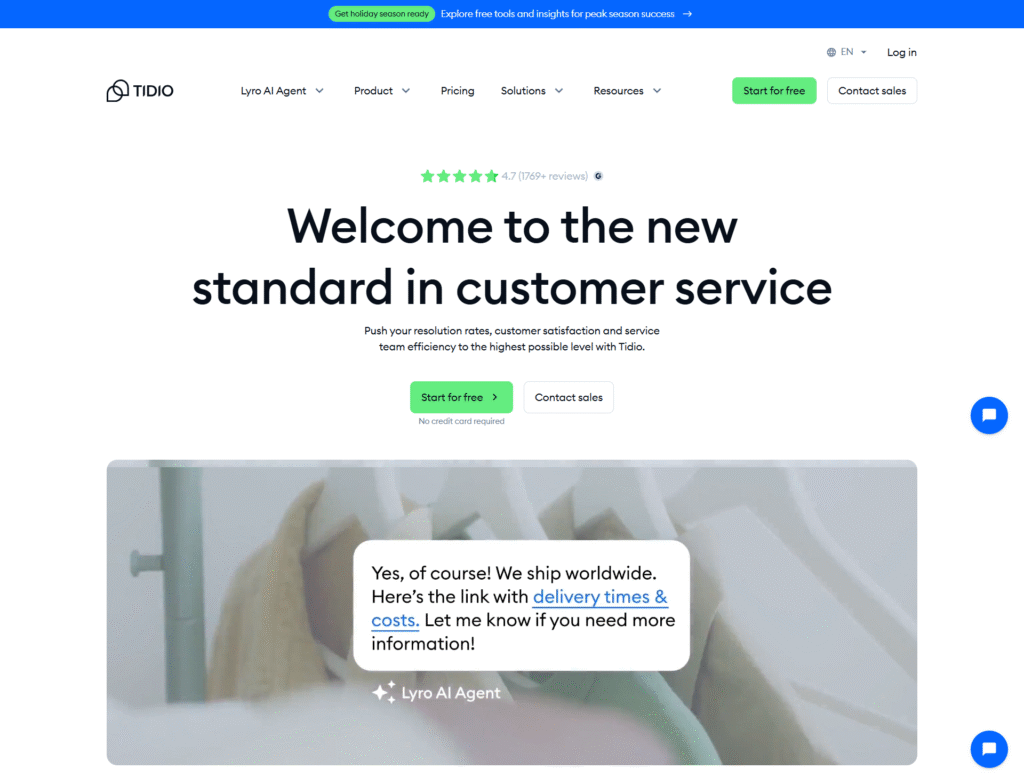
Tidio is an all-in-one AI live chat and chatbot solution designed to boost customer engagement and sales.
It lets you automate replies, greet visitors instantly, and offer real-time support without writing a single line of code.
Its AI assistant, Lyro, learns from your FAQs and provides smart, accurate responses 24/7.
You can also integrate it with email and Messenger for seamless communication.
Why people love it:
Perfect for e-commerce and small businesses looking to convert visitors faster.
Pricing: Free plan + premium upgrades.
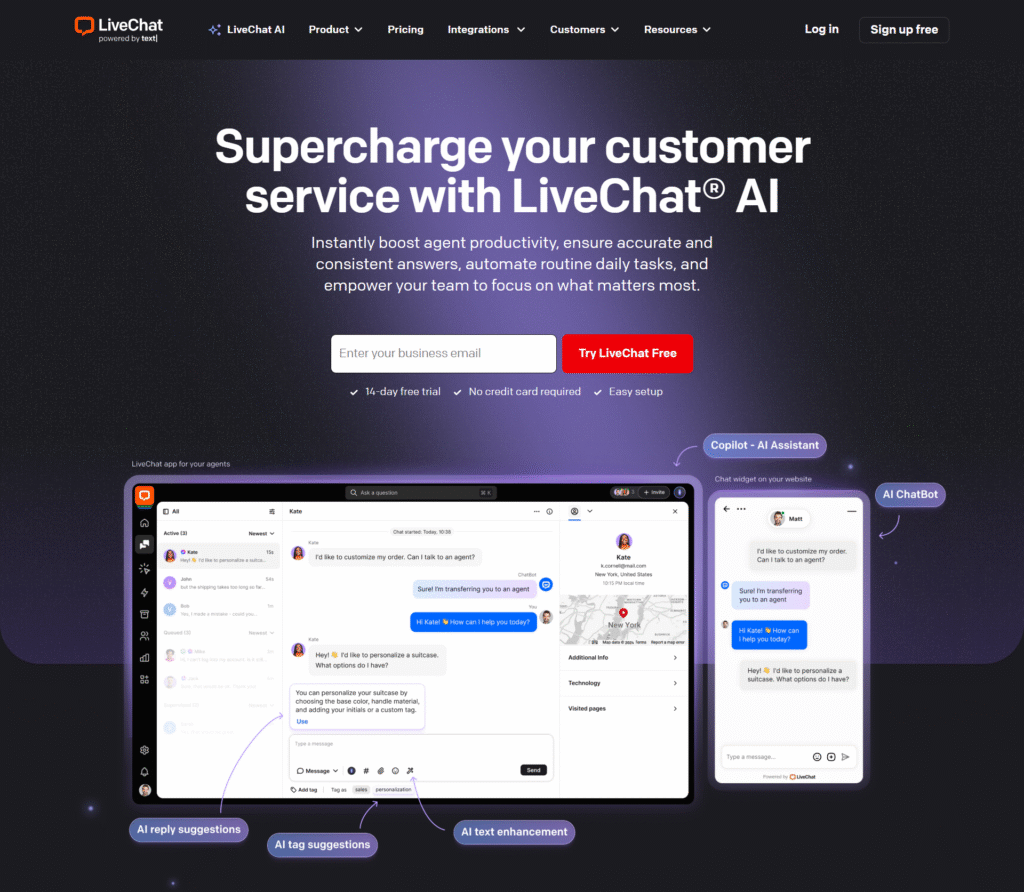
LiveChat combines powerful AI assistance with human support, giving your team the best of both worlds.
It integrates with CRMs, email platforms, and sales tools to deliver personalized responses fast.
AI suggests replies, automates routine questions, and lets agents focus on complex conversations.
Its reporting and visitor tracking features also help optimize customer journeys.
Why people love it:
Perfect for SaaS, agencies, and growing businesses.
Pricing: Premium plans.
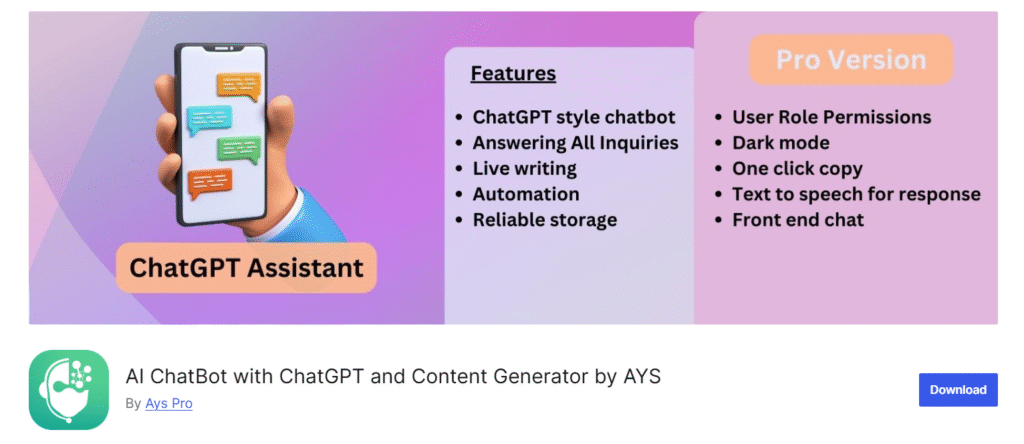
AI Chatbot with ChatGPT lets you add a GPT-powered assistant to your WordPress site in minutes.
You can customize its tone, behavior, and prompts to match your brand voice.
It can handle FAQs, guide users through services, or act as a conversational lead magnet. Unlike static bots, it adapts to context, making conversations more natural and helpful.
Why people love it:
Perfect for bloggers, agencies, and service providers wanting smarter, on-brand chatbots.
Pricing: Free core + paid extensions.
With these plugins, you can automate your responses and optimize customer experience.
AI automation isn’t just about saving time; it’s about scaling smart.
With the right plugins, you can automate repetitive tasks, connect multiple tools, and build intelligent workflows without custom coding.
This means smoother operations, fewer errors, and more time to focus on growth.
Let’s look at some of the best options in this regard:
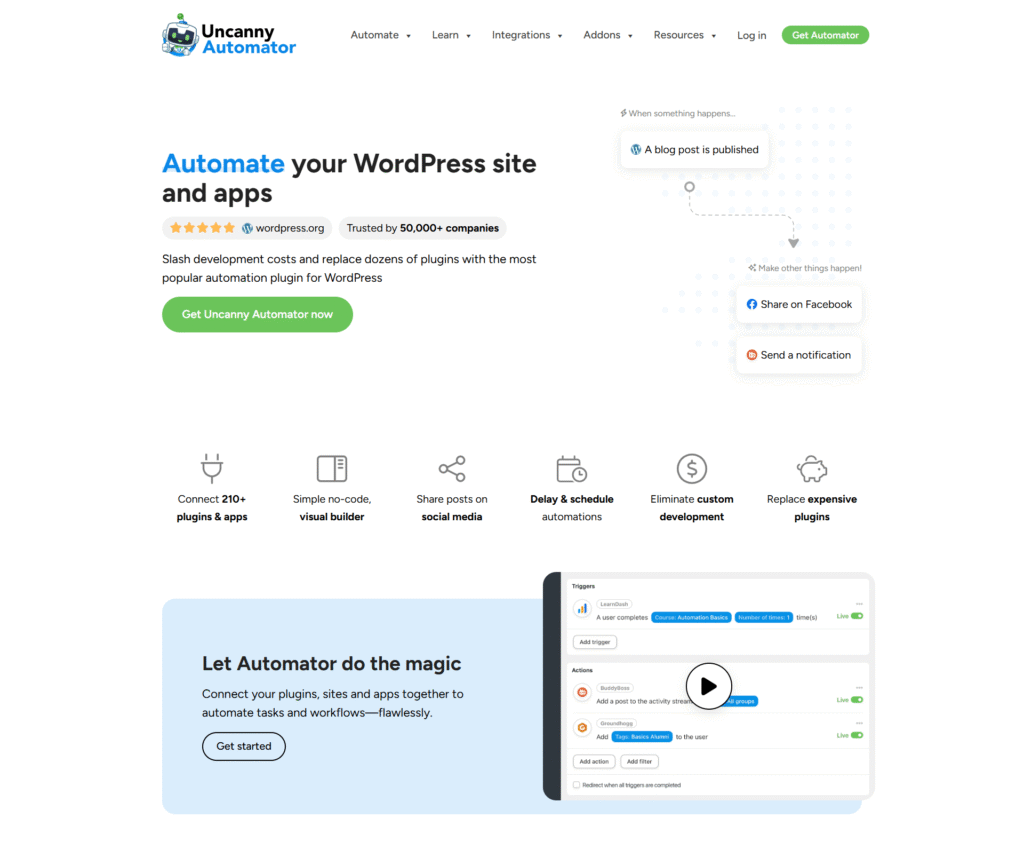
Uncanny Automator is like Zapier but built natively for WordPress.
It lets you create no-code automations that connect your plugins, apps, and AI tools.
For example, you can trigger an email when a user completes a form, auto-generate content using ChatGPT, or send data to external CRMs with all hands-free.
Why people love it:
Perfect for businesses scaling their marketing, support, and publishing processes.
Pricing: Free + premium plans.

WPCode makes adding and managing code snippets smarter and safer.
Its AI assistant can generate PHP, HTML, or JavaScript snippets on the fly, helping you extend functionality without editing core files.
You can insert scripts around your entire site or conditionally with a few clicks. Plus, it also integrates with automation tools to trigger snippets based on events.
Why people love it:
Perfect for developers, marketers, and site owners who want more power with less manual coding.
Pricing: Free + premium plans.

Want to connect AI tools beyond WordPress?
WP Webhooks let you integrate platforms like Zapier or allow you to trigger actions across multiple apps.
From lead capture to content publishing, these integrations turn your site into a smart automation hub.
Why people love it:
Perfect for power users and agencies scaling complex workflows.
Pricing: Varies by integration.
AI-powered forms don’t just collect data, but they create conversations.
By using intelligent suggestions, conditional logic, and smart routing, you can turn static forms into dynamic lead-generation tools.
This means better UX, higher conversions, and more qualified leads with less manual work.

WPForms AI transforms how you build forms in WordPress.
With its AI assistant, you can generate entire forms with a simple prompt without dragging fields one by one.
It suggests relevant fields based on your goals, auto-configures conditional logic, and even tailors form flows to boost completion rates.
It also integrates with popular CRMs and email marketing tools to automate lead nurturing.
Why people love it:
Perfect for marketers and site owners who want to launch high-converting forms fast.
Pricing: Premium plans.

Formidable Forms brings AI-assisted form experiences to the front end.
Instead of static fields, it uses intelligent autofill and suggestions to make the submission process smoother for users.
You can build conversational flows, analyze data automatically, and personalize user journeys.
Plus, its advanced conditional logic gives you granular control over how forms behave.
Why people love it:
Perfect for teams that want smarter, more personalized lead-capture experiences.
Pricing: Premium plans.
AI is rewriting how online stores operate.
From product recommendations to automated inventory alerts, AI helps you sell smarter, not harder.
These plugins make it easier to boost conversions, increase Average Order Value (AOV), and personalize the shopping journey all without hiring extra hands.

StoreAgent is built to supercharge WooCommerce with AI-driven customer engagement and smart store automation.
It can recommend products in real time, upsell intelligently based on behavior, and even send personalized messages to recover abandoned carts.
Its AI assistant can also handle common customer queries, reduce support load, and increase satisfaction.
Why people love it:
Perfect for WooCommerce store owners who want to scale sales without scaling their team.
Pricing: Premium plans.

MemberPress uses AI to optimize membership sales and user engagement.
It can recommend the right membership tier, personalize offers, and automate renewals or upgrades.
Combined with advanced analytics, you can identify patterns that help retain members longer and boost recurring revenue.
Why people love it:
Perfect for creators, educators, and businesses running membership or subscription sites.
Pricing: Premium plans.
Not every AI plugin needs to be a full-stack solution.
Sometimes, the real magic comes from smaller, hyper-focused tools that solve one problem really well.
These are some bonus plugins that can add powerful capabilities to your site without bloating your tech stack.

WebsiteVoice turns your written content into natural-sounding speech.
With just a few clicks, your blog posts, product descriptions, or documentation can be read aloud, which makes your site more accessible and engaging.
Why people love it:
Perfect for publishers, educators, or brands wanting to reach audiences beyond the screen.
Pricing: Free & premium plans.
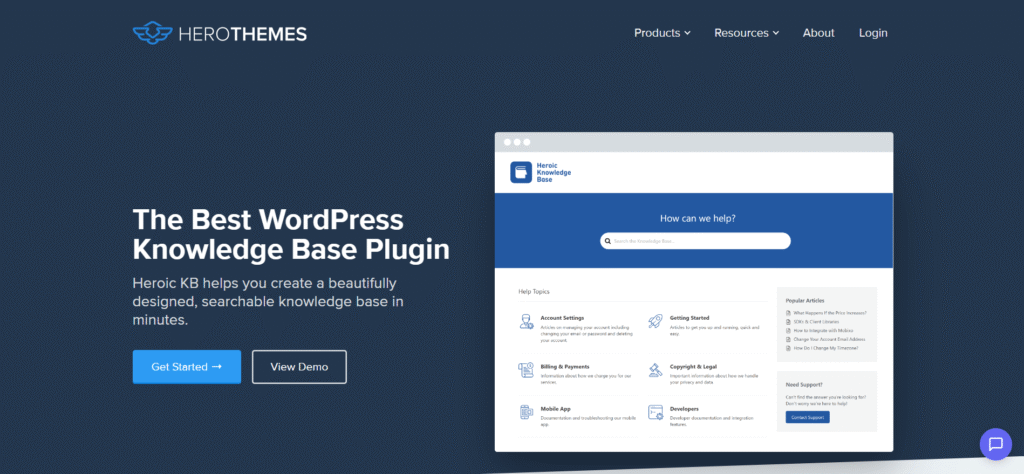
Heroic KB AI Assistant adds intelligence to your knowledge base.
It uses AI to answer visitor questions instantly by pulling the most relevant content from your documentation.
This reduces support tickets and helps users find answers fast.
Why people love it:
Perfect for SaaS, product, and service-based websites.
Pricing: Premium plans.
These tools excel in specific use cases, such as voice, translation, and knowledge management, making them ideal add-ons to any WordPress AI stack.
Here’s the thing: not every shiny AI plugin belongs on your site.
The smartest WordPress sites use a well-curated stack, not a cluttered one.
This simple decision framework will help you pick the right tools with confidence.
Start with clarity, not hype.
Ask yourself: “Do I want better SEO, faster content creation, smarter automation, or improved design?”
When you know the primary goal, you avoid piling on plugins that don’t serve a clear purpose.
AI plugins often have both free and premium plans.
Free versions are great for testing, but advanced features like AI automation, bulk generation, or integrations usually live behind paywalls.
Invest where you will get a handsome ROI.
Even the best plugin fails if it doesn’t play nicely with your existing stack.
Review theme compatibility, hosting requirements, and integrations with your SEO, CRM, or eCommerce tools.
AI tools often handle user data.
Choose plugins that are transparent about where your data goes and how it’s stored.
GDPR compliance, encryption, and trustworthy providers should be non-negotiable.
Too many plugins = slower sites, security risks, and maintenance headaches.
Pick a few high-impact tools that grow with your business.
A lean, AI-powered stack beats a bloated one every time.
AI is shifting from being “just another plugin” to becoming the backbone of WordPress.
With the rise of Telex AI, WordPress’s own AI assistant, deeper native AI integration is inevitable.
Site owners can use Telex AI directly to create custom and ready-to-install Gutenberg blocks for their site to add custom functionality without extensive coding.
Check out our complete guide on Telex AI:

In the coming years, AI will become more powerful to enhance personalized site experiences, such as auto-generating layouts, optimizing CTAs, and adjusting designs based on user behavior.
SEO will also get smarter with predictive keyword strategies, real-time search intent matching, and automated schema generation.
Security won’t be left behind. Adaptive AI firewalls and intelligent spam detection will become standard.
Early adopters will gain a big edge by reducing costs, scaling faster, and staying ahead of competitors through these automated features.
The future of WordPress is intelligent, fast, and deeply AI-driven, and now it is the best time to adapt.
The WordPress ecosystem is evolving fast, and AI is at the center of it.
Whether you want to rank higher, design faster, automate workflows, or boost sales, there’s now an AI plugin for every goal.
Here’s a quick wrap-up of our top picks of AI Plugins for WordPress:
Start with one or two AI plugins that align with your core goals. Then scale up strategically as your site grows.
Subscribe to our newsletter if you want more in-depth guides, strategies, hands-on tutorials, developer & learning resources, and WordPress news.