Discover the
Modern
WordPress with WordVell

Every time you want to publish a new WordPress post, you repeat the same SEO checklist, such as optimizing keywords, fixing headings, writing metadata, adding links, generating FAQs, inserting schema, writing alt text, and compressing images.
This manual on-page SEO is exhausting, time-consuming, repetitive, and prone to mistakes.
But the good news is that AI Tools and Plugins have made the automation of on-page SEO ridiculously easy to remove this manual work.
In this practical guide, you’ll learn how to automate 12 critical on-page SEO components in WordPress using both free and paid AI tools and WordPress AI plugins.
By the end, you’ll know exactly how to replace manual SEO tasks with reliable AI workflows that speed up publishing and optimize your content for today’s AI-powered search engines.
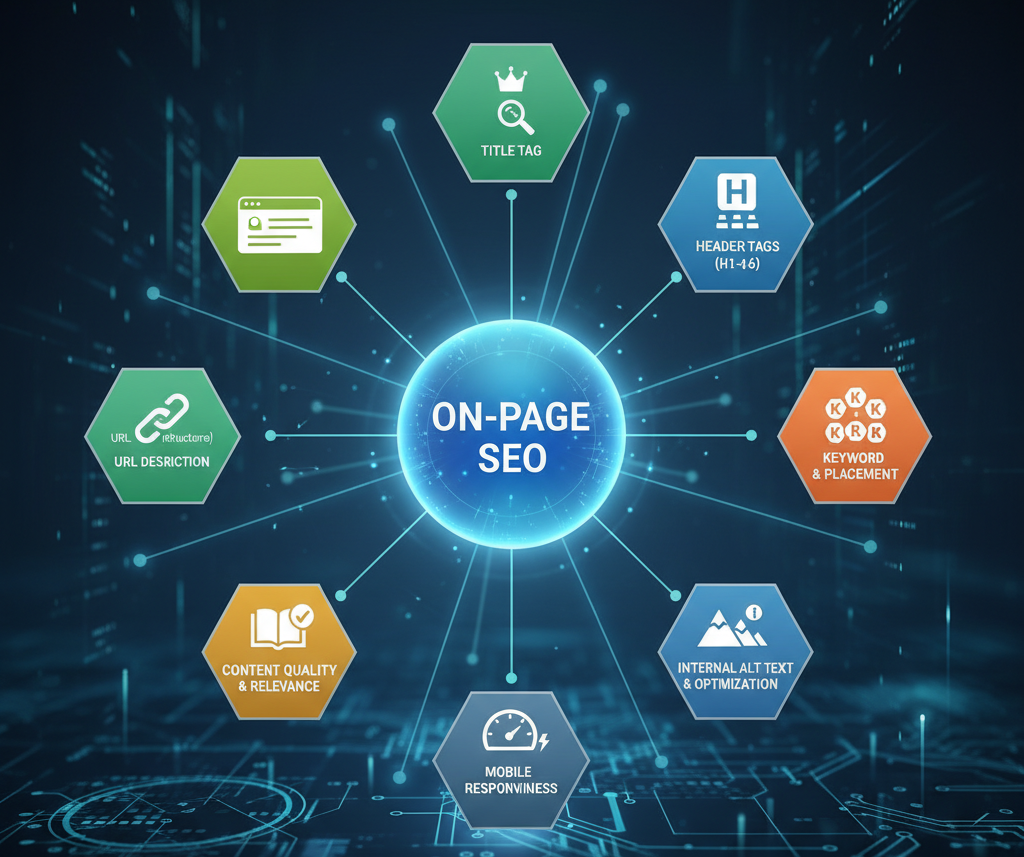
Now, On-page SEO isn’t just about stuffing keywords, but it’s about creating relevant, contextual, and human-friendly content that search engines love to feature.
Google and AI search systems now evaluate how deeply your page satisfies intent, not how many times you repeat a word.
And there is also the new era of Generative Engine Optimization (GEO).
This is the new SEO layer that helps your content rank inside AI summaries like Google Overviews, ChatGPT, Bing Copilot, and Perplexity.
It’s where your blog isn’t just indexed; it’s quoted by AI.
Today’s ranking signals revolve around intelligence, not formulas:
Now that you know what’s changed, let’s break down every On-page SEO factor and automate each factor using the smartest AI tools.
We’ll walk through 12 on-page SEO elements from keywords to schema and show how AI tools can automate it inside WordPress.
Each element includes both free and pro options for its optimization, so you can scale regardless of your budget.
Keyword research is no longer about spreadsheets. It’s about intent-driven automation.
AI can now find, cluster, and apply the right keywords while keeping your content natural.
Free Workflow (RankMath Free):
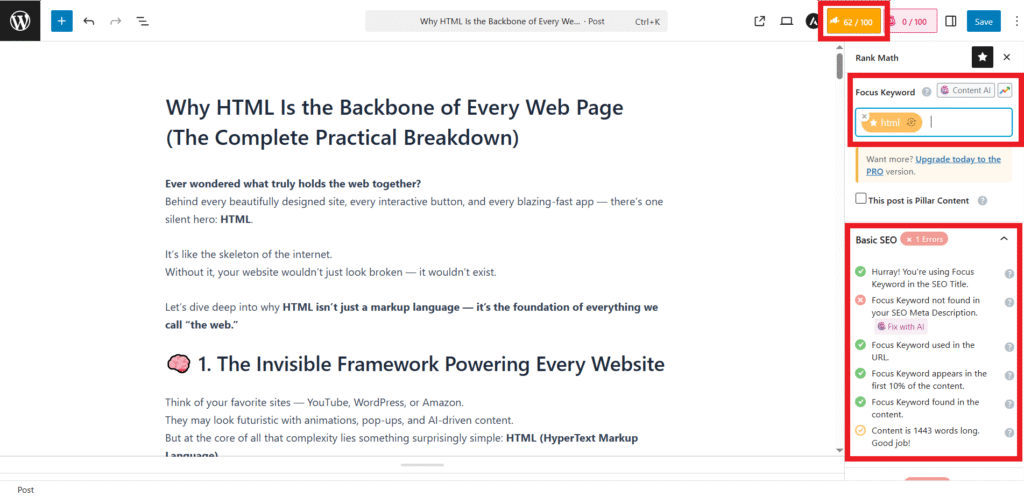
Paid Workflow (RankMath Pro):
With this setup, your keyword optimization literally runs on autopilot.
Even the best content fails without structure.
Search engines and readers love clarity.
That’s where AI can instantly organize your blog into a semantic, skimmable masterpiece.
Free Workflow (Ahrefs Free Outline Generator):

Paid Workflow (Frase SERP Outline Builder):

Read more about generating an outline in Frase here
Other Great Alternatives: NeuronWriter, Surfer SEO, Outranking, WriteSonic.
Now, when you have written your content on the structure you generated in the last part, it’s time to make your content sound human and rank it like a pro.
Content optimization today isn’t just grammar fixes; it’s about tone, flow, readability, and NLP-driven relevance that AI search engines can clearly interpret.
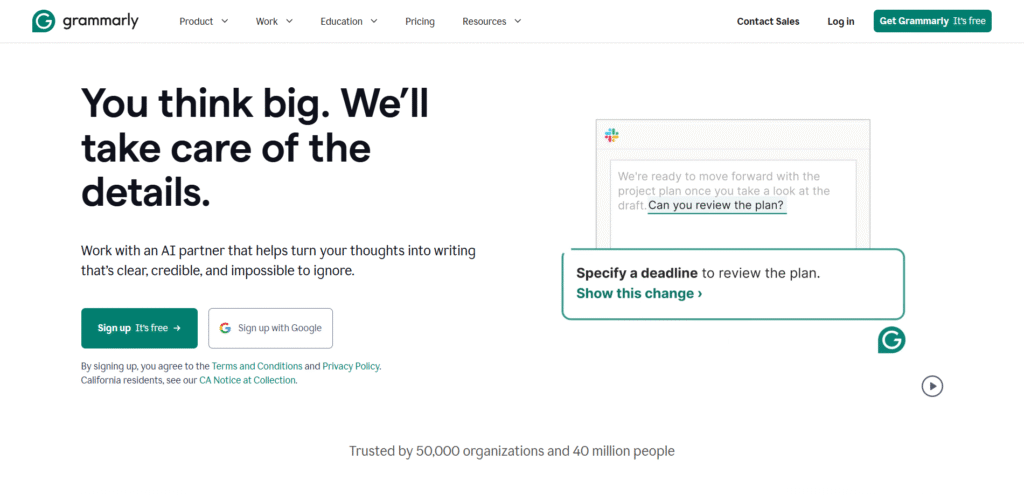
Free Workflow (Grammarly):
Check out the features of SEMRush AI Writer and Editor Extension here.
Paid Workflow (Surfer SEO + Jasper):

Other Solid Alternatives: Quillbot, Wordtune, Claude AI.
Your meta title and description are your blog’s first impression.
It is the short pitch that convinces users (and AI) to click.
But crafting them manually for every post? Exhausting.
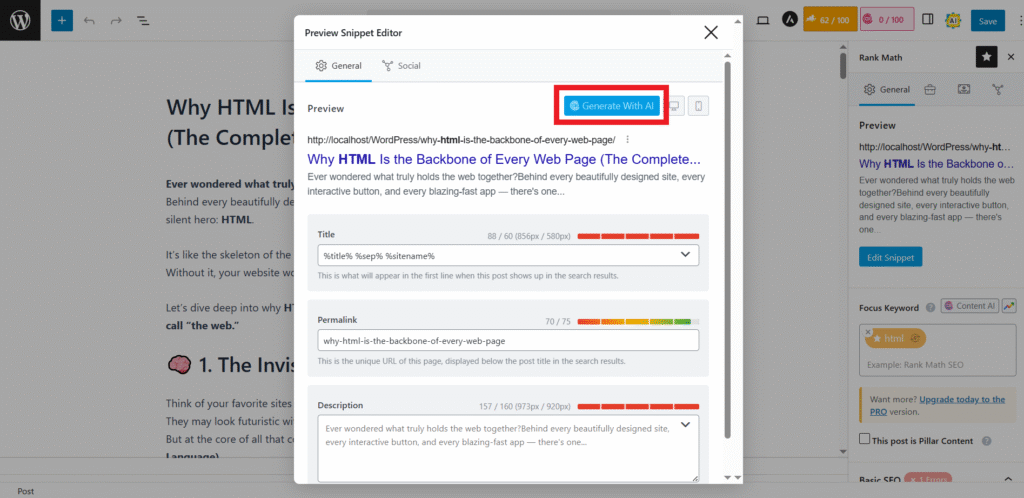
That’s where AI-powered meta generators step in to create catchy, keyword-rich, and click-worthy snippets in seconds.
Free Workflow (AI for SEO Plugin by Space Codes):

Paid Workflow (RankMath Pro + AIOSEO Pro):
RankMath Pro:
AIOSEO Pro:

Alternatives: Yoast AI, Frase Meta Templates, SEOPress AI.
Internal links are your site’s secret weapon because they guide readers, strengthen topic clusters, and tell Google which pages matter most.
However, manually linking posts is slow and prone to errors.
AI tools can now automatically build these smart link networks while maintaining your SEO-friendly structure.
Free Workflow (LinkWhisper Lite):
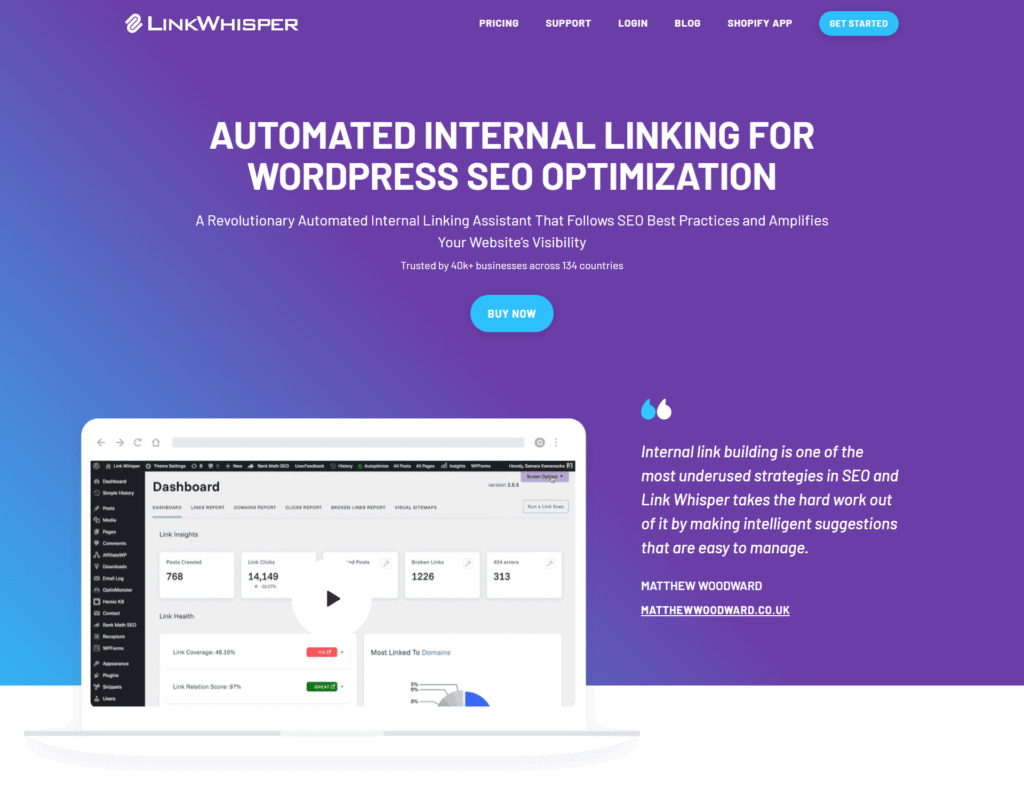
Paid Workflow (LinkWhisper Pro):
Alternatives: RankMath Link Suggestions, Yoast SEO Premium, AIOSEO Link Assistant.
Outbound links are your credibility anchors.
Linking to trusted sources signals to Google (and readers) that your content is well-researched and aligned with authoritative data.
But manually finding and inserting quality references takes forever. AI tools now handle this intelligently in seconds.
AIOSEO Link Assistant:

Here’s the complete guide on the Link Assistant Tool by the AIOSEO Plugin
Alternatives: RankMath Outbound Link Manager, SEOPress AI Assistant.
Visual content is what keeps readers hooked and makes your posts feel alive.
But constantly searching, designing, and optimizing images manually eats up hours.
AI tools now create and optimize visuals automatically from featured images to contextual illustrations, all while staying SEO-friendly.
Free Workflow (Gemini):
Paid Workflow (Midjourney / DALL·E / Canva Pro AI):
Alternatives: Leonardo AI, Adobe Firefly.
Images can make or break your page speed and SEO as well.
If they’re too heavy or lack proper alt text, your rankings (and user experience) take a hit.
AI-driven tools can now handle compression and SEO-friendly tagging in seconds.
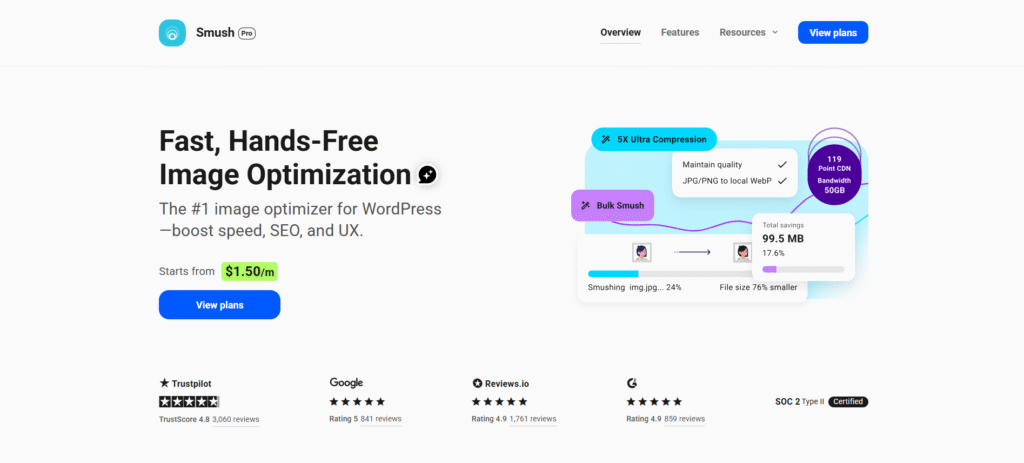
Free Workflow (Smush):
Paid Workflow (Alt Text AI Plugin):

Alternatives: ShortPixel, Imagify, Gemini
FAQs aren’t just extra content, but they’re your shortcut to Google’s People Also Ask box and rich snippets.
Instead of brainstorming and formatting them manually, AI tools can now generate, structure, and even apply schema markup automatically.
Free Workflow (ChatGPT / Gemini):
Paid Workflow (AIOSEO AI FAQ Generator):
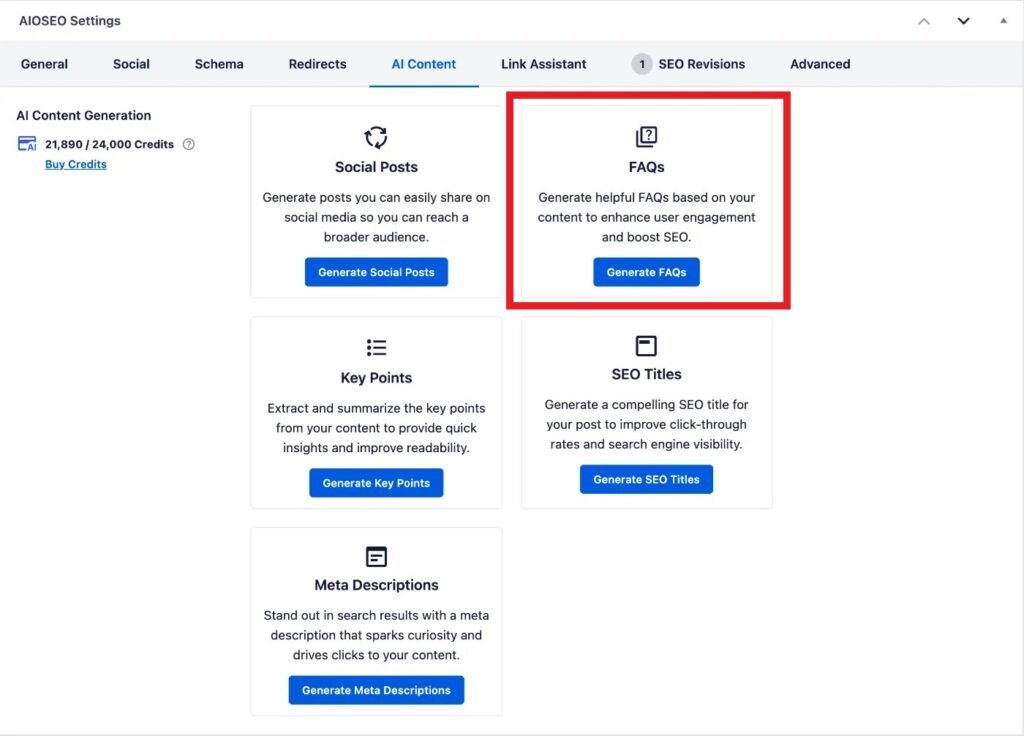
Read more about generating FAQs through AIOSEO AI here.
Alternatives: Yoast FAQ Blocks.
Schema markup is what helps Google understand your content, not just read it.
It’s the secret ingredient behind those eye-catching stars, FAQs, and breadcrumbs in SERPs.
Manually adding schema is tedious, but AI-powered plugins now automate it in seconds.
Free Workflow (RankMath Schema Generator):
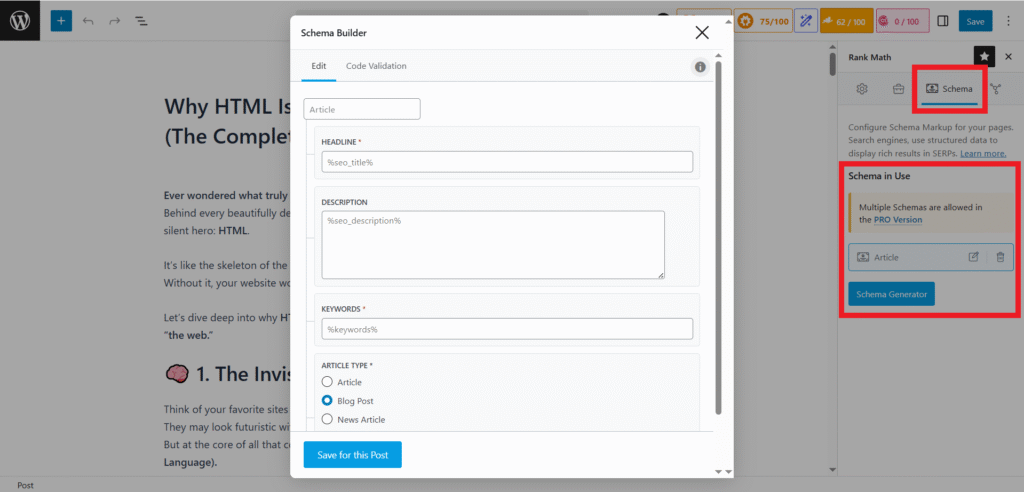
Paid Workflow (Schema Pro by Brainstorm Force):

Alternatives: SEOPress Schema, AIOSEO Schema Generator, RankMath Pro Schema Builder.
Traditional SEO gets you on Google, but GEO (Generative Engine Optimization) helps you appear inside AI-generated summaries like Google Overviews, Bing Copilot, and Perplexity.
It’s the next frontier where context, clarity, and factual authority decide your visibility.
Free Workflow (FAQ + How-To Blocks):
Paid Workflow (Surfer SEO / Clearscope):
Alternatives: Claude Semantic Enricher, Frase GEO Optimizer (beta), Content at Scale AIO Layer.
A fast website isn’t just a luxury, but it’s a ranking signal. Because a slow website lets you lose visitors.
Google’s Core Web Vitals (LCP, FID, CLS) measure how smooth your site feels to real users.
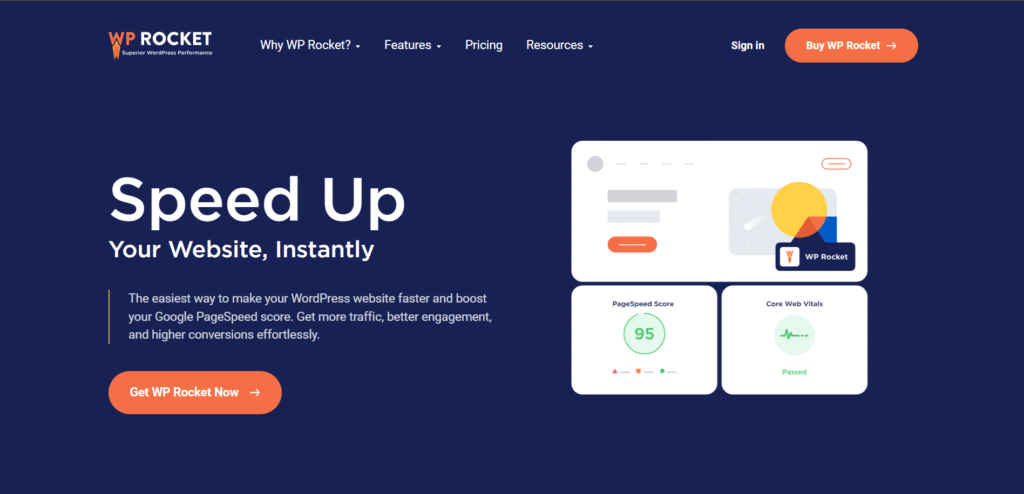
AI-powered caching and optimization plugins can now automate speed tuning with minimal setup.
Free Workflow (LiteSpeed Cache / WP Super Cache):
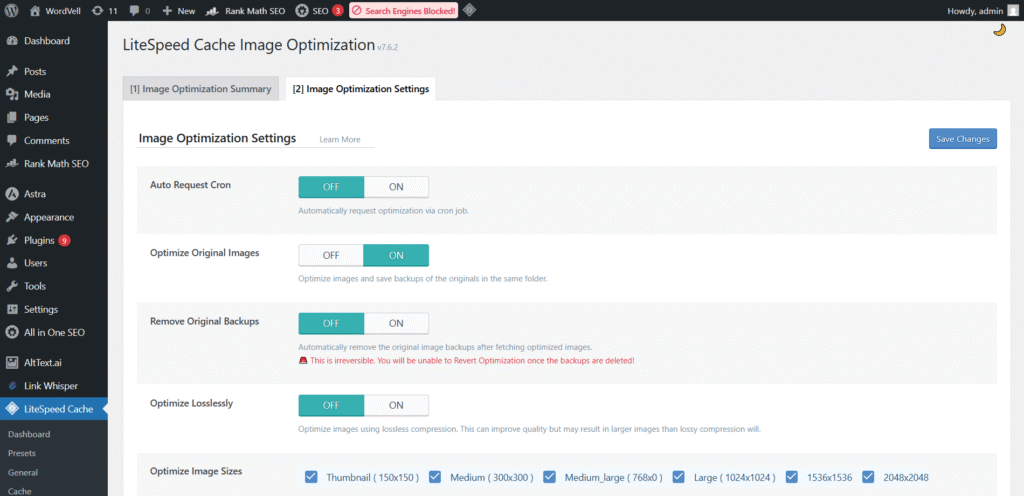
Paid Workflow (WP Rocket):
Alternatives: NitroPack (AI optimization), FlyingPress, and Perfmatters for granular control.
Automation is powerful but only when used wisely. Because Many site owners make the mistake of letting AI run everything unchecked, which often backfires.
Over-automating without review:
AI tools can speed up optimization, but they’re not flawless. Always manually review keyword placement, readability, and tone before publishing.
Publishing AI-generated content without editing:
Unedited AI text can sound robotic or repeat information. Add your voice, experience, and insights; that’s what Google’s EEAT (Experience, Expertise, Authoritativeness, Trustworthiness) truly values.
Ignoring Core Web Vitals despite great content:
Even the best-optimized posts won’t rank if your site loads slowly or shifts during scroll. Make speed and UX testing part of your SEO routine.
Pro Tip: AI should assist, not replace your judgment. The best results come from balancing automation with human creativity and oversight.
Let’s be clear, AI isn’t here to eliminate SEO experts. It’s here to eliminate manual, time-wasting SEO work.
With the right plugins and workflows, you can automate 80–90% of on-page optimization from keyword research to schema generation and save hours on every post.
But here’s the secret: AI can optimize, not humanize.
Your storytelling, insights, and personality are what turn a blog from “optimized” to unforgettable.
The best strategy now and beyond?
A hybrid model. Let AI handle structure, data, and technical polish, while you handle depth, emotion, and originality.
That’s how you dominate both Google’s algorithms and human attention.
And before signing of…
👉 Subscribe to our newsletter to get more WordPress guides, AI automation strategies, tutorials, developer resources, learning materials, and the latest WordPress news straight to your inbox.